
Billing speed, GST invoices, KOT routing, offline mode and support: the ten things to check before you sign up for a restaurant POS.
Your POS is the one system every order, every rupee and every kitchen ticket passes through. A good one disappears into the background during a Friday-night rush. A poor one slows billing, confuses the kitchen and leaves you reconciling numbers in Excel at midnight. This checklist covers what to test before you choose restaurant POS software in India, whether you run a single cafe or a growing QSR chain.
1. Billing speed at peak hour
Ask the vendor to bill a real order in front of you: a table of four with modifiers, a split bill, a discount and a UPI payment. Count the taps. Cashiers bill hundreds of orders a day, so a few extra taps per order turns into long queues at lunch.
- Quick search and favourites for your top-selling items
- Modifiers and add-ons (extra cheese, less spicy) without leaving the order screen
- Split bill by item or by amount, and merge tables
- All payment modes on one screen: cash, card, UPI and wallets
2. GST-ready invoices and clean day-end reports
Every bill should carry the right tax breakup without manual work, and your day-end report should match the cash drawer. Check how the system handles service charge, complimentary items, voids and cancelled KOTs, because these are where most leakage hides.
3. KOT and kitchen display routing
Orders should reach the right station automatically: drinks to the bar, tandoor items to the tandoor, desserts to the pastry counter. A kitchen display system (KDS) adds timers so you can see which tickets are running late before a guest complains.
4. It must keep working when the internet drops
Internet outages are a fact of life for many outlets. Ask what happens if the connection goes down mid-service. An offline-capable POS keeps billing and printing KOTs, then syncs every order automatically once the connection is back.
5. Dine-in, takeaway, delivery and aggregators on one screen
If Swiggy and Zomato orders arrive on separate tablets, someone has to re-type them, and that is where mistakes start. Look for a POS that brings aggregator, website, QR and dine-in orders into one queue so the kitchen works from one list.
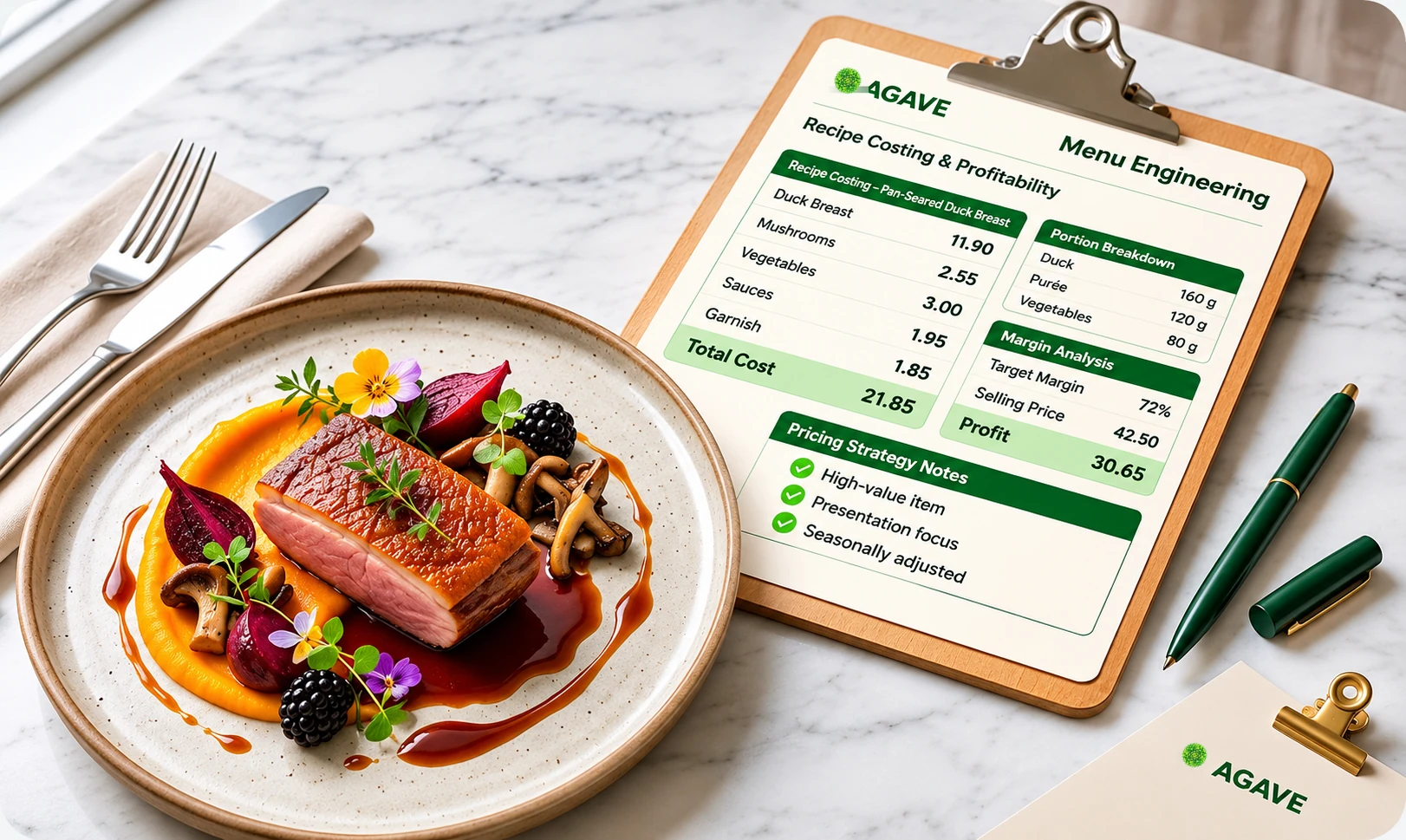
6. Inventory and recipes linked to every sale
The real value of a POS shows up when every sale reduces stock according to the recipe. That is how you find out what your food actually costs and where stock is going missing. We cover this in detail in our guide to restaurant food cost and recipe costing.
7. Control across outlets
Even if you have one outlet today, plan for the second. Can you change a price once and push it to every outlet? Can you compare outlet sales side by side? Can a franchise outlet run its own billing while head office still sees the numbers?
8. Guest data and loyalty
Capturing a phone number at billing (with the guest's consent) is the start of every loyalty and repeat-visit programme. Check whether the POS feeds a CRM where you can see visit history and send offers. Our post on WhatsApp marketing for restaurants explains how to use that data well.
9. Onboarding, training and support
Software is only as good as its rollout. Ask who imports your menu, who trains your staff and how quickly support responds during service hours. A vendor that supervises your first live day is worth more than a long feature list.
10. Questions to ask in every demo
- Can you bill a split, discounted, UPI-paid order in under a minute?
- What exactly happens to billing and KOTs if the internet goes down?
- How do aggregator orders reach the kitchen?
- Does each sale reduce inventory by recipe?
- Can I push a menu or price change to all outlets at once?
- Who migrates my existing menu and data, and how long does go-live take?
- What support do I get at 9 pm on a Saturday?
Frequently asked questions
Reliable, fast billing that keeps working during internet outages. Everything else, from inventory to loyalty, depends on every order being captured correctly.
Yes, even a small cafe benefits from recipe-linked inventory, because it shows the real cost of each item and flags stock that is going missing.
Many modern restaurant POS systems, including AGAVE POS, bring aggregator orders into the same order queue as dine-in and takeaway so the kitchen works from one list.