
Par levels, FIFO, smart stock counts and wastage logs: a step-by-step system to stop running out and stop throwing away.
Two problems cost restaurants the most in the storeroom: running out of something during service, and throwing away stock that expired before it was used. Both come from the same root cause, which is not knowing what you have and what you will need. Here is a simple system that fixes both.
Step 1: Build a clean item master
Every ingredient needs one name, one purchase unit and one consumption unit. If the same paneer is called three different things across three outlets, no report will ever be accurate. Group items into categories such as dairy, meat, vegetables, dry store and packaging.
Step 2: Link recipes to the menu
When each menu item has a recipe with quantities, every sale tells you what should have left the storeroom. This expected consumption is the benchmark for everything that follows.
Step 3: Set par levels
A par level is the stock you want on hand after a delivery. A simple starting point:
Par level = Average daily usage x (Days between deliveries + Safety days).
If you use 8 kg of paneer a day, get deliveries every 2 days and keep 1 safety day, your par is 8 x 3 = 24 kg. Review pars monthly and before festivals or seasonal menu changes.
Step 4: Store and issue FIFO
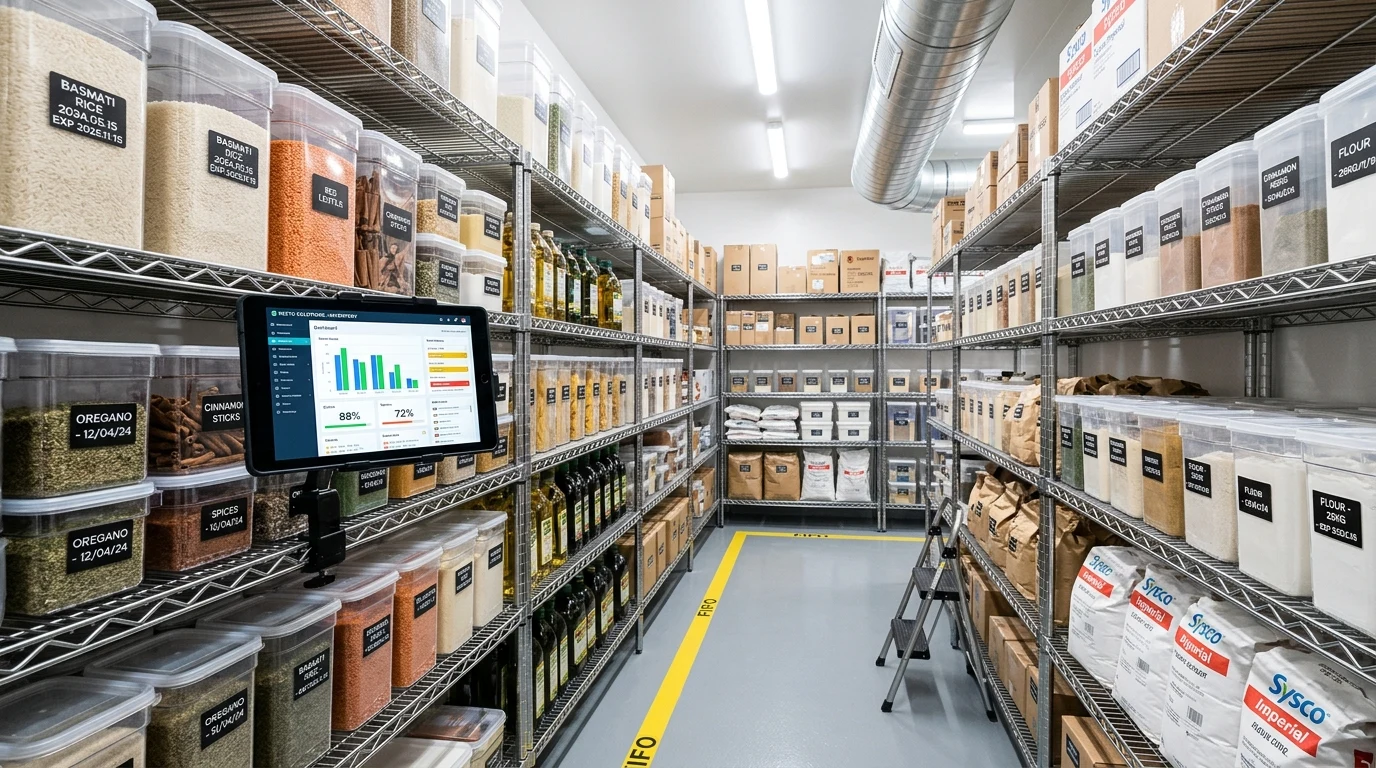
First in, first out. Label every container with the received or prepared date, place new stock behind old stock, and issue the oldest first. For prepared items, add an expiry date too.
Step 5: Count smart, not everything
- Daily: the 10 to 15 highest-value items
- Weekly: everything in the kitchen and bar
- Monthly: a full count including dry store and packaging
- Always count at the same time, ideally before opening or after closing
Step 6: Log every wastage
Expired, spoiled, burnt, dropped or returned: each wastage entry should have an item, quantity and reason. Within a few weeks you will see which items, shifts or outlets waste the most.
Step 7: Read the variance report every week
Variance is the difference between what you should have used (from recipes and sales) and what you actually used (from stock counts). A large variance on one item points to over-portioning, unrecorded wastage or theft. Fix the top five variances each week and food cost follows. Our food cost guide explains the maths.

Frequently asked questions
A simple formula is average daily usage multiplied by the number of days between deliveries plus a safety buffer. Review it monthly and before busy seasons.
Count the highest-value items daily, the full kitchen weekly, and everything including dry store and packaging monthly.
The usual causes are over-portioning, unrecorded wastage, wrong recipes in the system, receiving errors and theft.